AI Chat
Open it: AI Chat · first item in the console menu.
AI Chat is where you talk to A3T’s own assistant: ask how something works, what is in a project, or ask it to build something for you. It is a test bench for people working in the console. Your users don’t use it; your apps call your agents directly, as in the Quick start.
What you can do
Section titled “What you can do”| On the page | What it does |
|---|---|
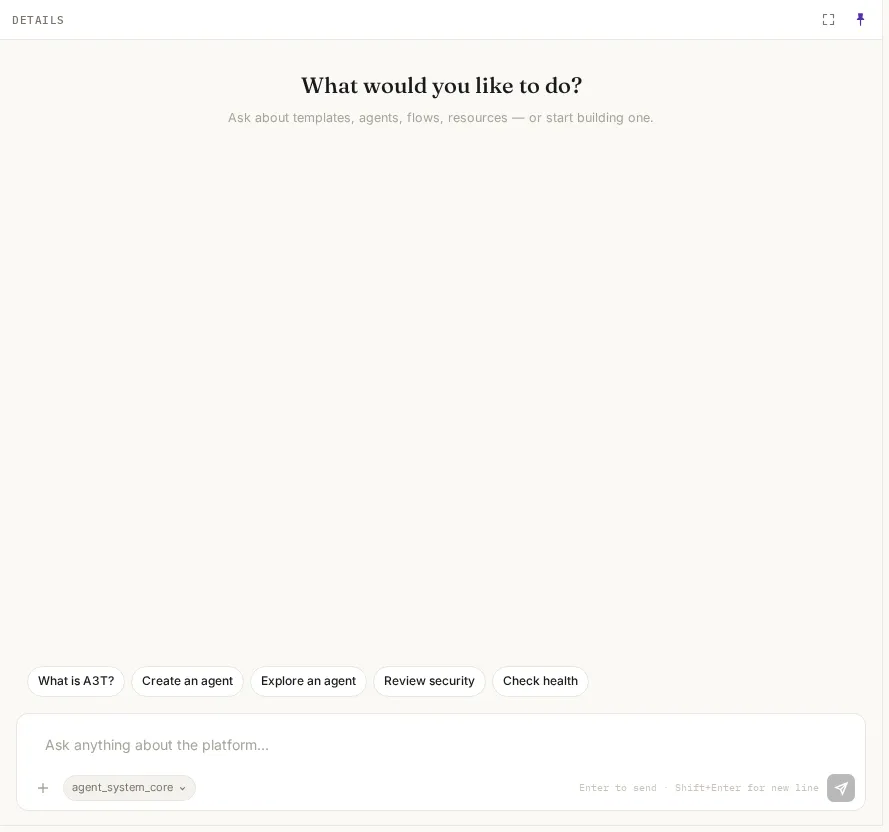
| What would you like to do? | Five starting points on an empty conversation: What is A3T?, Create an agent, Explore an agent, Review security, Check health. Each starts a question or opens the app that answers it |
| The message box | Type and press Enter to send; Shift+Enter starts a new line. The answer streams in as it is written |
| New conversation (Items) | Starts a clean conversation. Earlier ones stay in the Items list, newest first, with their message count |
| Filter conversations | Finds a conversation by its first message |
Conversations are kept on the server, under your account, so they follow you to another browser. Nobody else sees them, except Platform InfoSec (SuperAdmin, SecurityAdmin) reviewing an incident.
Chat beside any app
Section titled “Chat beside any app”Every app’s middle pane has an Items | Chat switch. Chat puts a conversation beside whatever is open in Details, and each message tells the assistant where you are: the app, the item and its settings. You can ask “why is this trigger not firing?” with the trigger open, without pasting anything.
Which agent answers
Section titled “Which agent answers”| Who you are | Which agent answers |
|---|---|
| Most people | The A3T assistant. There is no agent picker |
SuperAdmin, or an admin of the a3t organisation | Any A3T agent, chosen with the picker under the message box |
What the assistant may do
Section titled “What the assistant may do”The assistant acts as you: everything it does is checked against your role and your projects, the same as if you clicked it yourself. If you are a Viewer, it can explain and read, but it can’t create or change anything for you. Every action it takes is recorded in the Decision log with your name.
Example
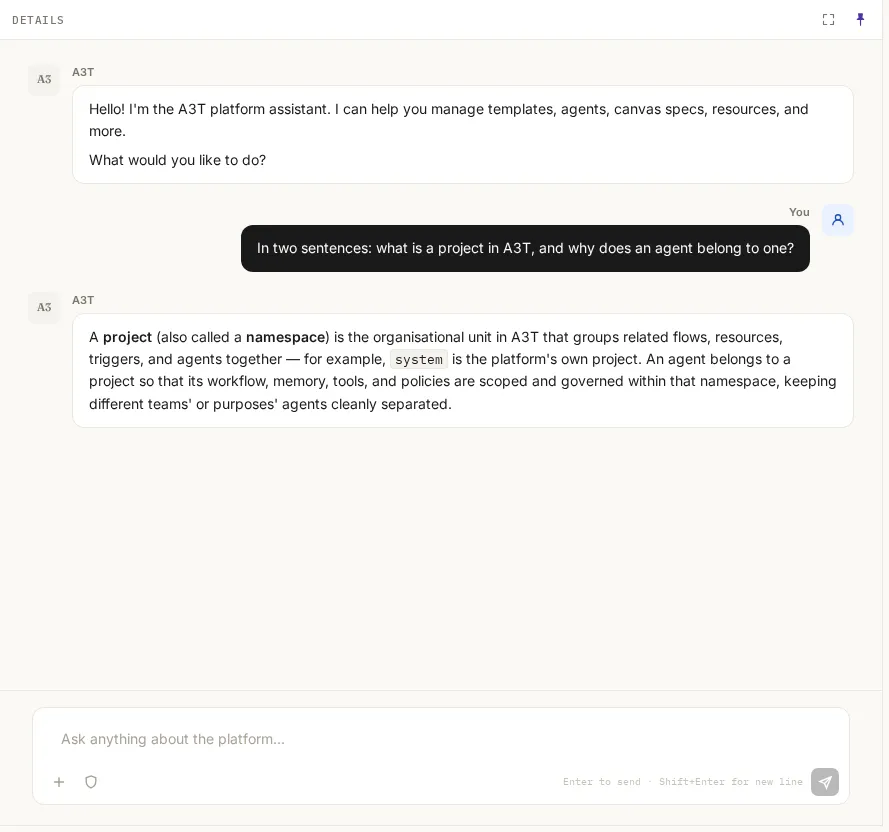
Section titled “Example”Ask: “In two sentences: what is a project in A3T, and why does an agent belong to one?”
A project (also called a namespace) is the organisational unit in A3T that groups related flows, resources, triggers, and agents together — for example,
systemis the platform’s own project. An agent belongs to a project so that its workflow, memory, tools, and policies are scoped and governed within that namespace, keeping different teams’ or purposes’ agents cleanly separated.